Previously I got the same installation on Linux system, it is much more easy to install on Linux than Windows as there is already some packages which has already configure and installed the prerequisites software. Somehow in Windows environment, there is no SNMP service started default and some of the configuration was not done automatically.
First we need to install the PERL run-time first as the MRTG needs to be run on PERL script. For Example ActivePerl 5.8.8 from ActiveState http://www.activestate.com/store/activeperl/download/
After that we have to download the latest MRTG program source from http://oss.oetiker.ch/mrtg/pub
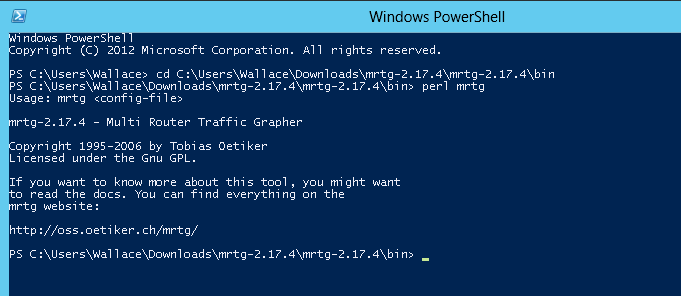
Run the command “perl mrtg” to check whether the perl run-time installed properly.
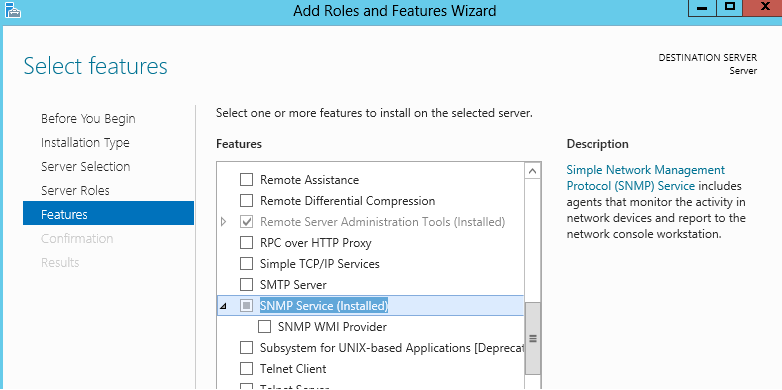
Install SNMP service on the Windows 2012 server
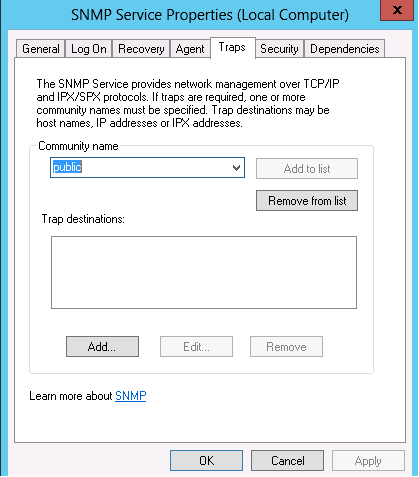
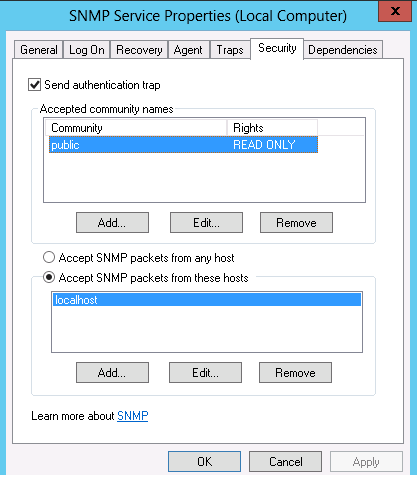
Configure the SNMP security (Set value to READ ONLY) and community name
Generate the config file by command “perl cfgmaker [email protected] –global “WorkDir: D:\Wallace” –output mrtg.cfg” *The 127.0.0.1 should be the SNMP device IP and the WorkDir is which the config file path that you wanna generate to.
After that, a config file should be generated.

Finally, run the command “perl mrtg mrtg.cfg” to run the mrtg program to generate those HTML and graphic files.
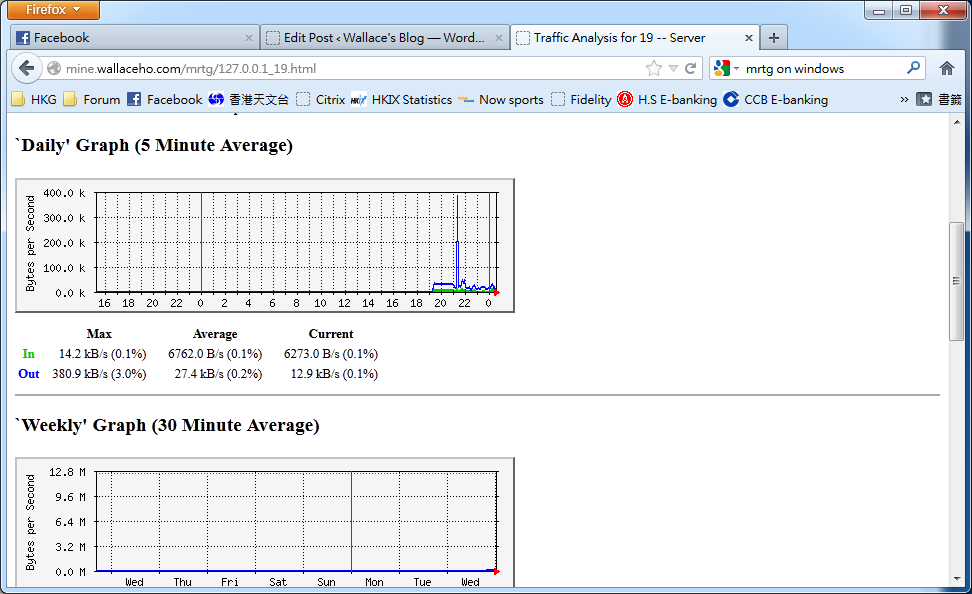
You may need to setup a schedule job to run the command in every 5 minutes interval.